Getting Started
Steps for research partners overseeing youth for the pilot evaluation project
If you received access to Shady Grove, follow the steps below to set up game access and research participation for youth.
-
Log in using the credentials provided to you by your contact in child welfare.
If you have not yet received the email invitation to create your account on the admin portal, you will need to contact your supervisor and ask them to set up your account. -
Click the button in the portal to generate a code. Once generated, the youth can play either on your device, or you can display a QR code for the youth to scan to play on their own device.
To allow the youth to play on your device, press the ‘Play’ button. To display the QR code, press the ‘QR Code’ button.Remember that the Shady Grove system does not store any identifiable information about the youth. You will therefore need to record the youth’s User ID in your own records, or use our downloadable tracking sheet. Please DO NOT generate multiple User IDs for the same youth. See ‘Troubleshooting’ for steps in case of a missing User ID or an ID that does not open the game.
Youth will use the User ID to access the pre-game survey and the post-game survey, as well as gift card payments for research participation.
Youth will have 6-hour window in which to complete both surveys and play the Shady Grove game. We estimate the time needed to complete all activities is approximately 1 hour. To extend this window, or to allow a youth to play Shady Grove again at a later time, click the ‘Reactivate Code’ button. This will restart the 6-hour window for gameplay. Youth will not have access to the surveys after the initial 6-hour window expires, even if the ‘Reactivate Code’ button is pressed.
-
SUMMARY:
Youth consent or decline research
Youth fill out baseline survey (10-15 minutes)
Youth who agreed to participate in the research receive a $10 gift card sent to an email address of their choice
Youth play the game (20-40 minutes; you can play the demo)
All youth receive a $10 gift card for gameplay completion
Youth fill out the post-survey (10-15 minutes)
Youth who agreed to participate in the research receive a $10 gift card sent to an email address of their choice
DETAILED DESCRIPTION:
When you launch the game, either through the QR code or the ‘Play’ button on the admin portal, youth will first be directed to consent form for the research project. The consent form is presented first in text format, but a video explanation is provided at the bottom of the page. Youth will need to select either the ‘Agree’ or ‘Disagree’ option on this from to proceed.
Youth who do not agree to participate will have immediate access to the Shady Grove game, but will not receive $10 gift certificate for the baseline survey.
Youth who agree to participate in the research project will fill out a survey that takes about 10-15 minutes. After completing the survey, a new window will open where the youth must enter an email address where a digital gift certificate in the amount of $10 will be sent. Youth who close the window without entering an email address will not be able to receive a gift card.
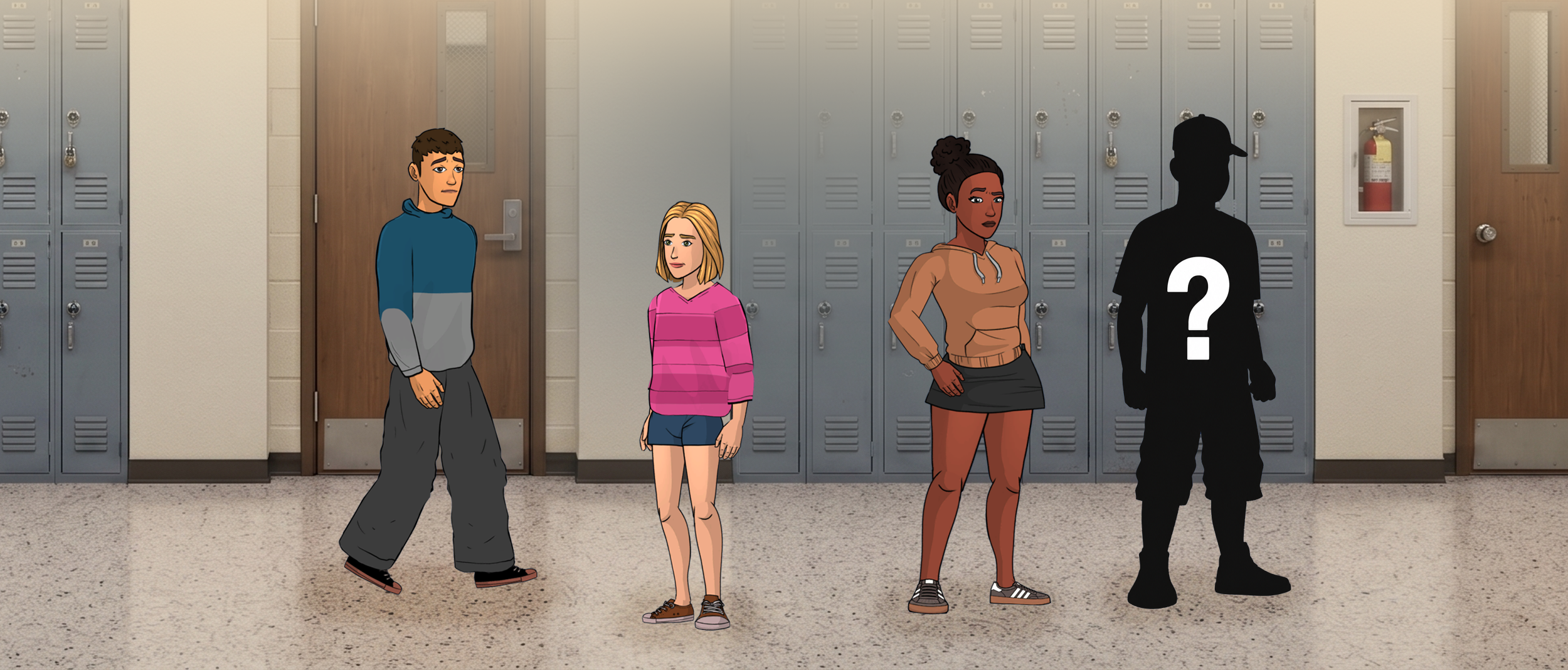
After closing the gift card redemption window, youth will be automatically redirected to the Shady Grove game. Youth will have the option to choose between 3 different characters. Once the youth choses a character, they must play through that character’s story in its entirety to unlock the post-gameplay survey button, as well as the remaining two characters’ stories.
Once a youth clicks the unlocked ‘Survey’ button in the Shady Grove game, the post-gameplay survey will open and a new gameplay gift card redemption window will open. Youth must enter an email address on this page in order to receive payment for gameplay. If a youth closes this window without providing an email address, the youth cannot receive the $10 gift card for completing gameplay.
After submitting email address to redeem the gift card for gameplay, only the youth who agreed to participate in the research will be directed to the post-gameplay survey. Youth who did not agree to participate will not be able to access the post-gameplay survey and will not be able to receive the $10 gift card for the post-gameplay survey.
Youth who did agree to participate in the research will fill out the post-game play survey, which takes about 10-15 minutes to complete. After finishing the survey, a new window will appear where the youth must enter an email address where the $10 post-gameplay survey will be sent. If youth close the post-gameplay gift card redemption window without entering an email address, they will not be able to receive the $10 gift card payment for completing the post gameplay survey.
At this point, the youth’s participation in the research project is concluded. They may return to the Shady Grove game to continue playing until the 6-hour access window expires.
If a youth wishes to play the game again, they will need to request that their code be reactivated. Codes can be reactivated from the Admin Portal.
Youth cannot replay a story once they have reached the end. Each story can only be played once. -
To learn about the experiences of individuals who oversee a Shady Grove gameplay session, we are conducting a brief survey to better understand the feasibility of implementing this program in youth-serving settings.
Please complete this survey once for each youth whose gameplay session you directly supervise. If you supervise multiple youth, please submit a separate survey for each youth and session.
Click Here to Access the Survey -
Lost Youth ID
The Shady Grove system does not store any identifiable information. If you do not remember which User ID is associated with your youth, you may check the Admin Portal to see the last time the game was accessed by each youth. This information may help you to remember what code is associated with each of the youths you supervise. If you are unable to determine which ID is associated with which youth, please do not create a new User ID for a youth who has already participated in study activities, as this will compromise research data integrity.
Please always remember to record User IDs and youth names in your notes, or use our downloadable youth tracker template.The Game Will Not Open
If the game will not open, it is likely that the youth’s 6-hour window has expired. This can happen if you generate the code and press the ‘Play’ button in advance. To reactivate the youth’s 6-hour window, press the ‘Reactivate Game’ button.
The Survey Will Not Open
If the red text ‘You have already completed this survey’ appears above the UserID login box on the first page of the baseline survey, and the youth HAS NOT already completed the the baseline survey, there is likely an error in the youth’s ID. Please generate a new ID for the youth and have them use the new ID going forward. Take note of the defunct ID and be sure not to attempt to use it with any other youth, as it will not have game survey access.
Who to contact for help
If you are overseeing a youth gameplay session and you need assistance with any step in the process, please reach out to shadygrove@love146.org for assistance. We will respond to your email as soon as possible.
Video guide to the Study Portal for Shady Grove.